
Download StudyThai
App Store · Google Play · Official Builds
Learn Thai anywhere — now available on App Store and Google Play.
Can't access the app stores? Try our Beta build:
v1.0.14 · Latest Version
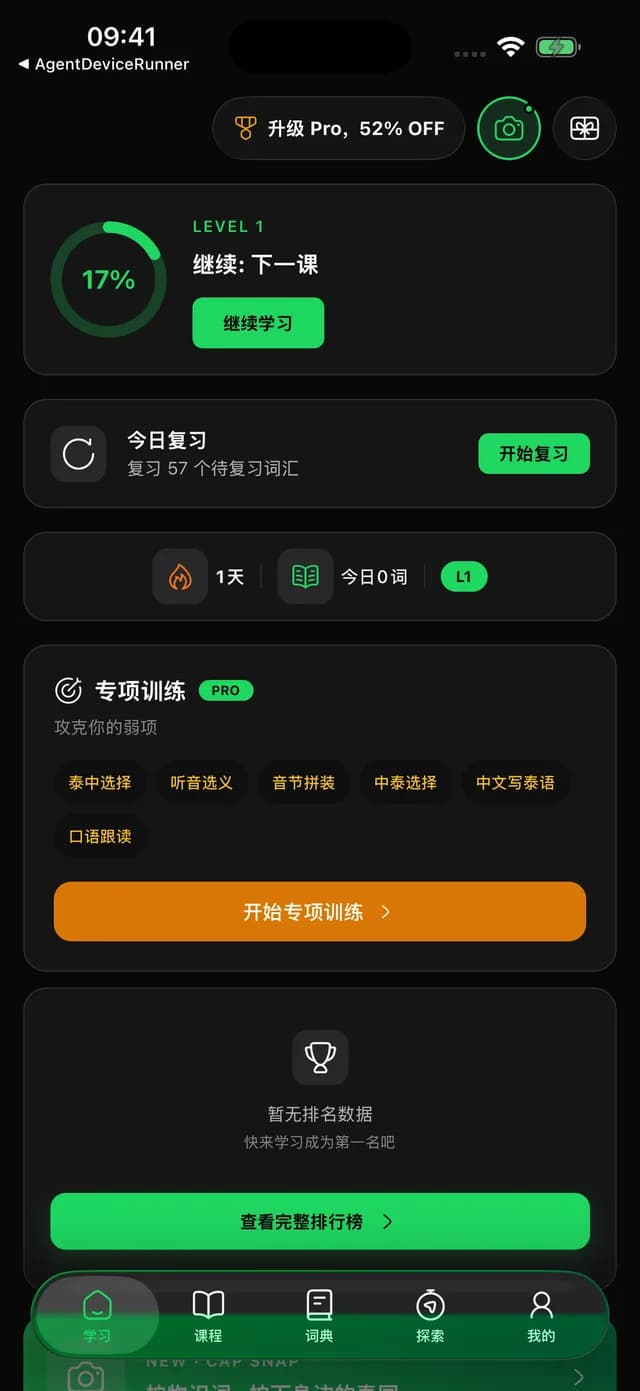
The iOS version is distributed via Apple's official TestFlight platform. All apps on TestFlight are reviewed by Apple — completely safe and reliable.
Install TestFlight
Open the App Store, search for "TestFlight" and install it. Skip this step if you already have it.
Open the Invitation Link
Tap the button below, or open the invitation link in Safari. It will automatically redirect to TestFlight.
Accept & Install
In TestFlight, tap "Accept" → "Install". Wait for the download to complete.
Sign In & Start Learning
Open StudyThai and sign in with your existing account (same as web). All your learning progress syncs automatically.
What is TestFlight?
TestFlight is Apple's official app distribution platform. Developers use it to let users try new versions before they're published on the App Store. It's completely free, and all apps are reviewed by Apple. TestFlight builds expire after 90 days — we'll push a new version before then.
The Android version is installed via APK. The APK is officially built and signed by us — safe to install.
Download the APK
Tap the button below to download the StudyThai APK file.
Allow Installation
After downloading, tap to install. If prompted about unknown sources, you'll need to enable the permission first.
Settings Path by Brand
The path to enable installation varies by phone brand:
- Huawei: Settings → Security → More Security Settings → Install Unknown Apps
- Xiaomi: Settings → Privacy Protection → Special Permissions → Install Unknown Apps
- OPPO/vivo: Settings → Security → Install Unknown Apps
- Samsung: Settings → Biometrics and Security → Install Unknown Apps
- Other brands: Search "Install Unknown Apps" in Settings
Install & Sign In
After enabling permissions, go back and tap "Install". Once done, open the app and sign in to sync your progress.
Beta builds are updated frequently. If anything feels off, let us know at [email protected] — your feedback directly shapes the next release.
Trust & Security
- Officially signed builds
- Same source code as App Store / Google Play version
- Account data syncs with web version
- Continuous security updates
Version & Changelog
v1.0.14
iOS Build: 226 · Android Build: 226
- AI features unlock after you learn 10 words
- Free plan: daily limits for AI-generated audio, speech scoring and Talk Time
- Lesson complete: "Next" takes you to the first unfinished section
- Course progress updates right after you finish a lesson
- Course overview shows all levels
- Bug fixes
FAQ
Does the app sync with the web version?
Yes, fully synced. Sign in with the same account and your learning progress, course data, and Pro membership will all sync automatically.
What if my TestFlight version expires?
TestFlight builds expire after 90 days. We'll push a new version before that. Just tap "Update" in TestFlight. Your data won't be lost.
What features are included?
The app includes course learning (L0-L6), vocabulary review (SRS), pronunciation training, AI reading review, AI tutor, AI dictionary, 3 learning games (Word Match, Memory Cards, Consonant 2048), sentence assembly, and learning statistics. The app and web version share the same feature set.
What's the difference between Beta and the store version?
They're functionally identical — same source code. The Beta version gets updates faster (no store review delay), ideal for users who want new features first. You can switch to the store version anytime — all data is in the cloud.
Is the Android APK safe?
Yes. The APK is officially built and signed by us. We recommend only downloading from this page.
What if I have installation issues?
Please reach out via email at [email protected] and we'll help you resolve it.
Or Use the Web Version
If you can't install the app right now, you can access all features through your browser at studythai.ai.
Open Web Version